A water-resistant case, tempered glass screen protector, and a secure carry method are the three things that protect your phone screen while running. Each guards against a different threat — sweat, shock, and accidental drops — and together they cover almost every scenario a runner faces.
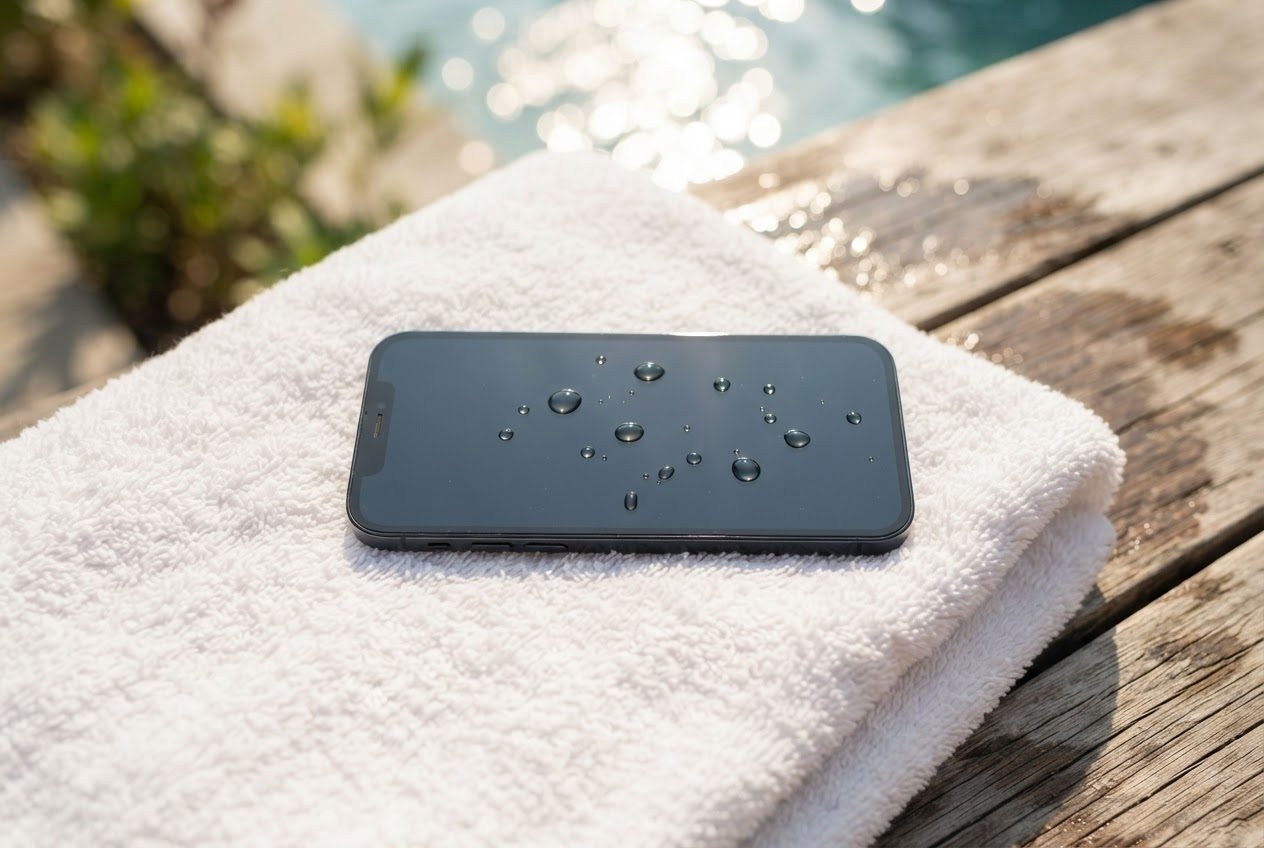
Why Your Phone Screen Is at Risk When You Run
Running creates three distinct hazards for your screen:
- Sweat seeps into charging ports, speaker grilles, and the edges of the display, slowly corroding internals and fogging the screen over time.
- Rain and humidity work the same way, just faster when the weather turns against you.
- Drops happen — a fumbled grab, a loose grip, a phone slipping from a pocket — and screens crack.
The good news: each of these is preventable without expensive gear.
Step 1: Add a Water-Resistant Case
The single most effective thing you can do is put your phone in a case rated for moisture. Look for IP67 or IP68 on the case spec sheet — these ratings mean the case has been tested against water ingress. Most modern iPhones and flagship Androids already have some built-in water resistance, but a dedicated case adds a second layer and also protects the corners on impact.
A few things to look for in a running-friendly case:
- Raised bezel around the screen (so the screen doesn't touch the ground if the phone lands face-down)
- Port cover or tight-fitting flap over the charging port
- Textured grip — wet hands drop phones
A slim TPU case is barely noticeable on your wrist or in a pouch, and it will absorb the energy of a drop that would otherwise crack your screen.

Step 2: Use a Tempered Glass Screen Protector
A good tempered glass screen protector does two things: it takes the scratch and chip damage so your actual screen doesn't have to, and it keeps your display readable even with slightly sweaty fingers. Plastic film protectors are cheaper but tend to peel or cloud up with moisture — tempered glass is worth the small extra cost.
Look for 0.33mm thickness or thinner; at that thickness there's no noticeable loss of touch sensitivity.
Step 3: Carry Your Phone Securely (This Is the Big One)
Most phone screen damage during runs doesn't come from rain or sweat. It comes from the phone falling, and it fell because it wasn't properly secured.
The safest carry options, roughly in order:
- Running phone armband — locks your phone against your upper arm where it's stable, out of your hands, and away from hard surfaces. LULURUN's 360° rotating armband holds your phone snug so it won't work loose even on uneven terrain, while keeping the screen visible and touchable through the clear front panel.
- Running belt — a soft waistband pouch keeps the phone against your body; great for longer runs, though the screen faces inward so you can't easily glance at it mid-stride.
- Shorts pocket — fine for short runs if the fit is snug and the pocket is deep, but most pocket carry bounces too much and leaves the phone exposed to any stumble.
- Hand carry — puts your phone one tired grip away from the pavement. Avoid for anything longer than a few minutes.
For a full breakdown of every carry method and how they compare, see our complete guide to carrying your phone while running.

What About Sweat and Moisture Specifically?
If you run in heat, humidity, or rain, a few habits make a real difference:
- Wipe before you tap. Sweat on the screen plus a wet fingertip makes touch responses unreliable. A quick swipe on your shirt before checking pace helps.
- Look for sweat-resistant panels in armbands. A good running armband has a clear panel that stays touchscreen-compatible even when damp — test it before your long run.
- Air out before charging. After a rainy run, give your phone a few minutes to dry before plugging in. Water near the charging port can cause problems even on water-resistant devices.
- Keep a silica gel packet in your running bag. It absorbs ambient humidity on rest days and costs almost nothing.
For more on keeping your phone dry on sweaty or rainy runs, read our post on how to keep your phone dry while running.
Quick Checklist: Phone Screen Protection for Runners
- Water-resistant or waterproof case (IP67/IP68 rated)
- Tempered glass screen protector (0.33mm or thinner)
- Secure carry method — armband or belt, not loose in hand or pocket
- Wipe screen before use on sweaty runs
- Air out for a few minutes before charging after wet runs
FAQ
Does running with a screen protector affect touch sensitivity? A quality tempered glass protector at 0.33mm or thinner should have no noticeable effect on touch sensitivity. Cheap plastic film protectors can be more problematic, especially when wet — they sometimes register phantom taps or fail to respond.
My phone already has an IP68 rating — do I still need a case? Built-in water resistance helps a lot, but it degrades with wear and doesn't protect against drops. A case adds impact protection that the phone's own rating doesn't cover, so it's still worth having for running.
Can I use my phone's touchscreen through an armband's clear panel when my fingers are sweaty? Yes — most running armbands, including LULURUN's, are designed with touchscreen-compatible panels so you can skip a song, pause, or check your pace without taking the phone out. The key is that your fingers don't need to be bone-dry; just reasonably dry. A light wipe on your shirt before tapping usually does it.
Run happy, run free.