Separate your key and phone into suitable secure carry locations. Check each attachment or closure before leaving; no setup guarantees that both items remain still throughout every run.
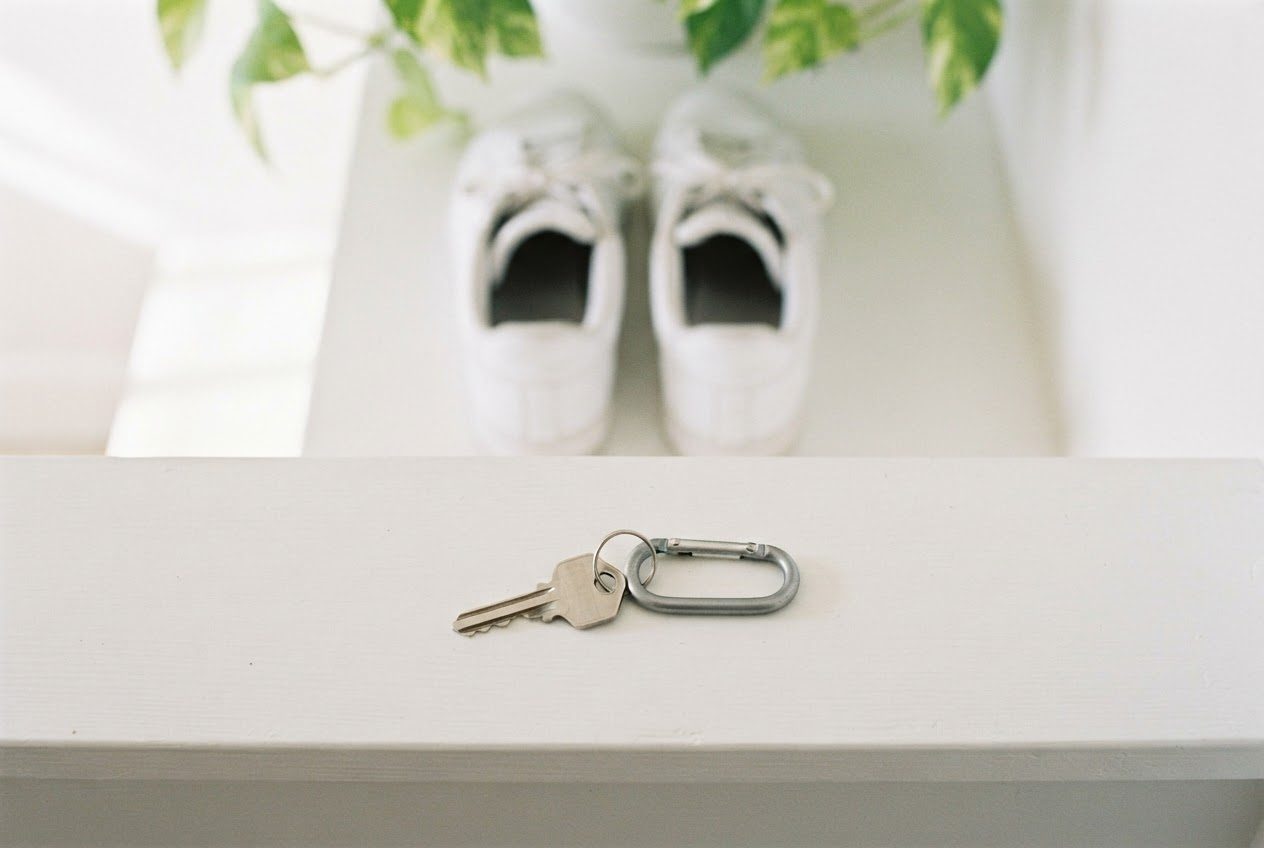
It sounds small, but fumbling with keys before a run is one of those friction points that makes beginners skip their workout. Solve it once and it becomes automatic.
Why You Can't Just Stuff Keys in Your Pocket
Running pockets (when they exist at all) are shallow, narrow, and designed for thin items at rest — not a jangling key ring at 160 steps per minute. The problems:
- Bounce and noise. Metal keys shift with every stride, creating an annoying rattle and subtle off-balance pull.
- Key edges. In tight shorts pockets, a key edge can chafe your hip or thigh over a longer run.
- Phone competition. If you're also carrying your phone in the same pocket, they knock together, screen at risk.
The fix is to give each item its own dedicated spot.

The Best Way to Handle Your Keys
Option 1: Lace lock (simplest, nearly free)
Thread a single key onto a suitable lace attachment if that works for you. Check the attachment before leaving and test for movement or rubbing on a short outing.
Works best with a single key. Not ideal if you need a full key ring.
Option 2: Key clip on a waistband
Tiny aluminum key clips or key coils attach to the waistband of your shorts or tights. Clip one key (or a key fob) and let it sit flush against your hip. Most sports shorts already have a small interior loop for exactly this.
Advantages over lace: easier to remove, works with any footwear, less bending down required.
Option 3: Running belt with a key pocket
A slim running belt (not a bulky fanny pack) typically has one zippered pocket sized for a card, cash, and a key. Good choice if you're also carrying a snack or ID on longer runs. Less ideal if all you need is a key — the belt adds one more thing to put on.
What most beginners end up doing
Ask any runner who's figured out their system: one key on a clip, phone in an armband. The key clip is a one-time purchase under a few dollars; the armband handles the phone. Together, that's the full solution.
The Best Way to Carry Your Phone While Running
Your phone is bigger and heavier than your keys, so it needs more support — not just a pocket. Options:
Check 5.0–6.9-inch phones, slim or clear cases, and the 10–16-inch upper-arm range before choosing LULURUN.
Running belt — may suit a larger phone or several items. Movement and comfort depend on the belt’s actual fit.
Shorts pocket — check that the pocket securely holds your phone and that any closure stays fastened. Suitability depends on the actual pocket, phone, and activity.
For a phone-only setup, an armband is one option. Compare it with a secure pocket or belt rather than assuming it is the best choice for every beginner.
For more on choosing between these options, see Running Armband vs. Running Belt: Which Should a Beginner Get?.
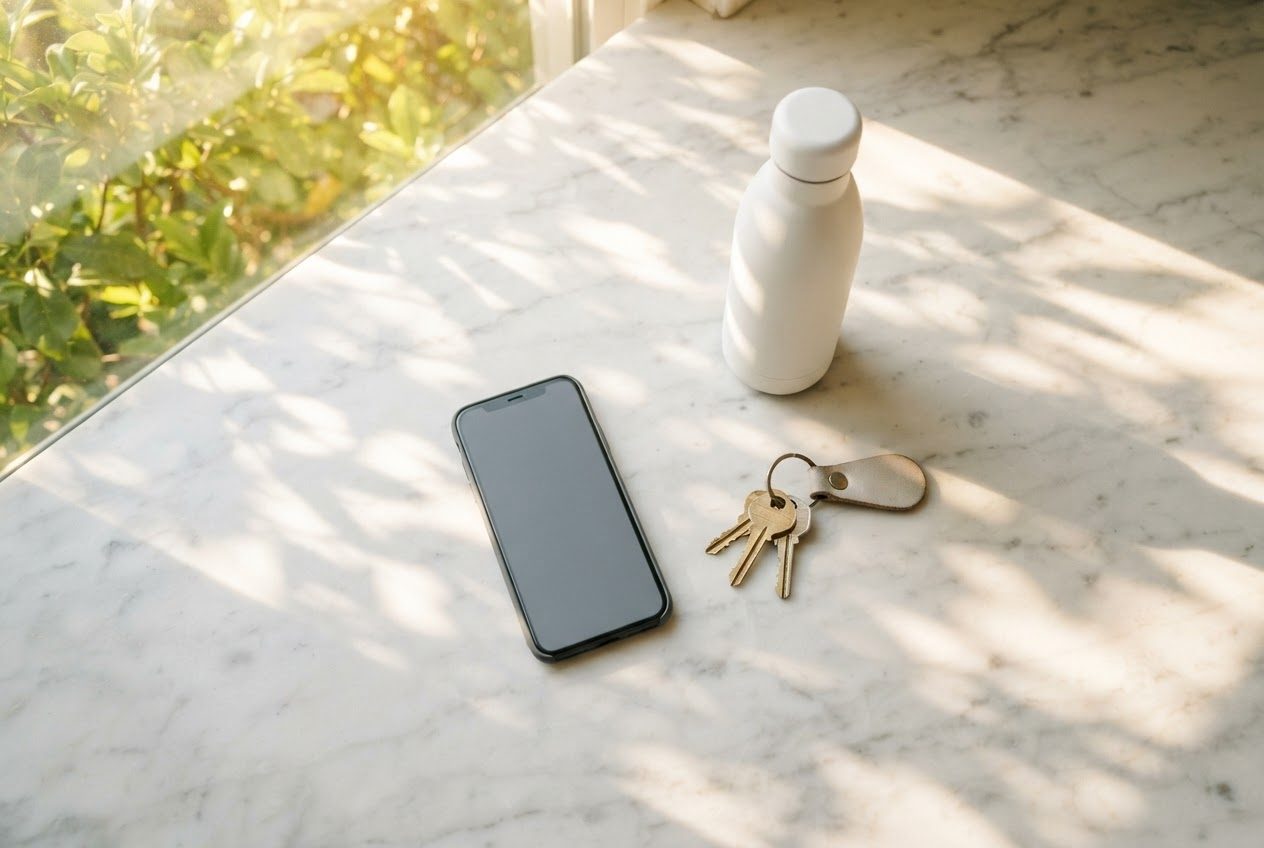
A Simple Pre-Run Checklist
Before you head out the door:
- Keys: one key on a lace lock or clip ✓
- Phone: in your armband, screen unlocked and app started ✓
- Earbuds: in ears or clipped ✓
- Door locked: check before you step away ✓
Takes about 60 seconds once it's a habit. The goal is to leave the house without patting your pockets three times wondering if you forgot something.
What About Key Fobs or Smart Locks?
If your home uses a key fob rather than a traditional key, check whether it fits a standard key clip. Many fobs are small enough. If you have a smart lock with a keypad or app, even better — you can leave the house keyless entirely and use your phone to lock and unlock.
Some runners keep a spare house key hidden near the door (a lockbox or similar) as a backup for exactly this scenario.
For keeping your phone protected on wet-day runs, check out How to Keep Your Phone Dry While Running in the Rain.
FAQ
Can I just leave my keys at home and carry only my phone? If you have a smart lock or someone at home, yes — that's the cleanest setup. If you need a physical key to get back in, always bring it. Showing up locked out after a 5K is not the vibe.
What if I have a car key fob I need to bring? Fobs are bulkier than house keys. A small zippered running belt pocket is usually the best fit. Avoid leaving a fob in a shorts pocket — the button can get pressed, draining the battery or triggering the alarm while you run.
Is it safe to run without my phone? Decide based on the route, conditions, and how you would contact help or find your way. A short, familiar route does not by itself establish that leaving your phone behind is safe.
Run happy, run free.