Choose an armband by the specific phone, case, and holder compatibility, not screen size or operating system alone. Check comfortable fit and retention, and pause somewhere safe before reading the screen.
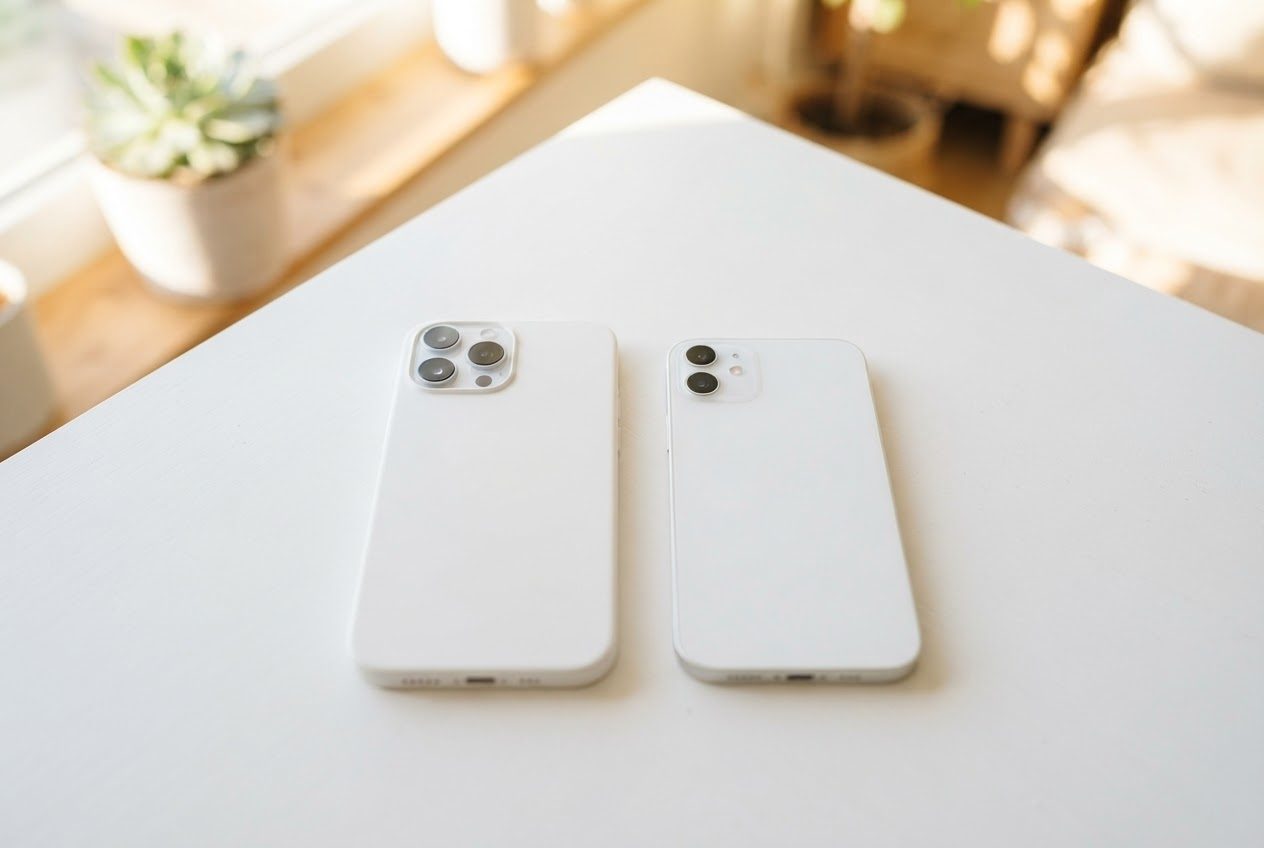
Does it matter whether you have an iPhone or an Android?
Compatibility depends on the specific holder, phone, and case, not just the operating system. Check the manufacturer’s range and restrictions rather than assuming any universal armband fits a current flagship.
Some pouch-style armbands have a touchscreen window; others use an open holder. Check the specific design and device compatibility rather than using window material or price as proof of touch performance.
What size should I look for?
Check the armband's listed compatibility dimensions against your phone's height and width. Common sizes you'll run into:
- Compact phones (iPhone SE, smaller Androids): roughly 65–71 mm wide
- Standard phones (iPhone 15, Samsung Galaxy S24): roughly 71–76 mm wide
- Large phones (iPhone 15 Pro Max, Galaxy S24+): 77–80+ mm wide
Check the actual holder’s minimum and maximum fit, including the case and retention requirements. Do not size up automatically if the result cannot hold your phone securely.

What features actually matter on a run?
Once you've confirmed the fit, here's what to prioritize:
- Adjustable viewing angle. A rotating mount lets you choose an angle. Pause somewhere safe before reading a map or adjusting it.
- Secure arm strap. A wide, adjustable band distributes pressure so the armband stays put without cutting into your arm. It should feel steady, not tight.
- Stable fit that minimizes bounce. A snug case that holds the phone flush against a stable point on your arm dramatically reduces the jostling that makes a loose armband maddening.
- Easy on/off. A buckle or clip you can manage one-handed — even with sweaty hands — matters more than you'd think after a long run.
- Reflective detail. If you ever run near dusk or in low light, a touch of reflective material on the band is a simple safety upgrade.
Should a beginner bother with a running armband?
An armband may be useful if you want your hands free and the phone accessible while stopped. Compare actual fit and comfort with a suitable pocket or belt.
If you've been carrying your phone in your pocket while running and finding it awkward, or if you're dealing with phone bounce while running, a properly fitting armband is the simplest fix.

How the LULURUN armband works for both iPhone and Android
LULURUN uses an open silicone holder and detachable 360° rotating mount with direct screen access, not a TPU window.
It's the kind of gear that's light enough to forget you're wearing it — which is exactly the point.
Quick checklist before you buy any running armband
- Confirm your phone's dimensions fall within the armband's stated size range
- For a pouch-style holder, check window and touchscreen compatibility; for an open holder, check corner retention and direct screen access
- Look for 360° rotation if you use maps or switch between apps mid-run
- Test the strap adjustment — it should feel snug but not tight after several minutes
- Look for reflective detail if you run in low-light conditions
For a broader look at all your phone-carry options — pocket, armband, or running belt — check out the LULURUN guide to carrying your phone while running.
FAQ
Does the LULURUN armband work with a phone case? LULURUN supports 5.0–6.9-inch phones with slim or clear cases; thick, rugged, and MagSafe wallet cases are not compatible.
Which arm should I wear a running armband on? Whichever feels natural. Most runners go with the non-dominant arm so they can tap and swipe with their dominant hand more easily. Try both and see what feels balanced for your stride.
Will the armband bounce while I run? A compatible phone and a comfortable, secure strap may help manage movement, but some motion is normal. Pause and recheck fit if it slips; no fit guarantees that it always stays put.
Run happy, run free.