If you are following a Couch to 5K app, your phone is doing an important job: it keeps time and tells you when to run and when to walk. An armband with an open holder, such as LULURUN, keeps the phone on your upper arm with the screen exposed, so your hands stay free and the screen is there when you stop somewhere safe to check it.
That is the whole idea. The rest of this guide is about making that setup feel easy, every session, from week one onward.
Why does phone placement matter on an interval plan?
A steady run asks very little of your phone. An interval plan is different. Couch to 5K-style programs alternate short running segments with walking breaks, and the app tells you when each switch happens, often with a sound or a voice cue. You might also like to see how much of the current segment is left, especially in the early weeks when a minute of running can feel long.
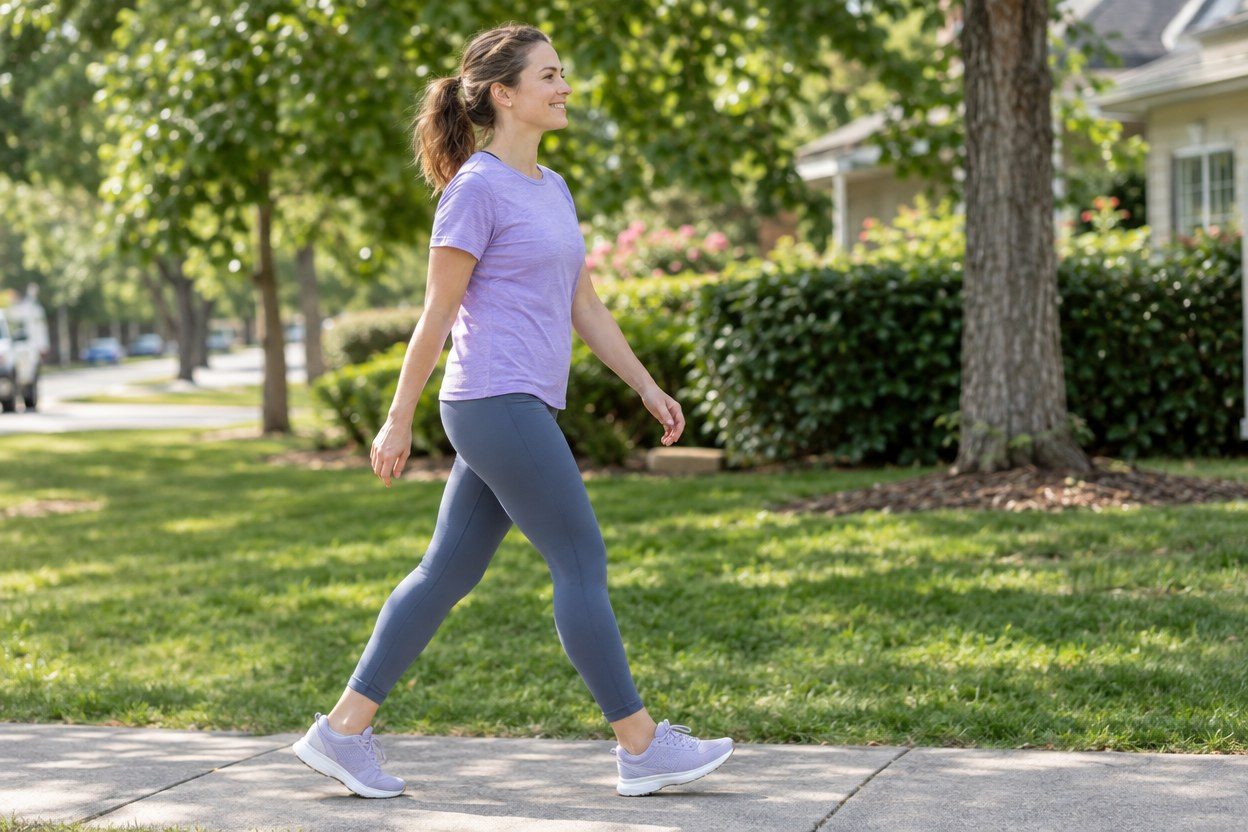
So the phone needs to be somewhere that:
- lets your earbuds or speaker deliver every cue without interruption,
- keeps your hands loose and free while you run,
- and lets you see the timer when you want to, without a juggling act.
Holding the phone covers the last point but not the second. A tight pocket keeps your hands free but hides the screen. If you are still deciding how to carry it at all, our complete guide to carrying a phone while running walks through every option, and is it safe to run holding your phone? covers the in-hand question on its own.
What changes with the phone on your upper arm?
The LULURUN running armband holds the phone at its corners in an open silicone holder, with no pouch or plastic window over the screen. The mount rotates a full 360°, so before you start you can turn the phone to an angle that feels comfortable to look at. A snug fit helps minimize bounce, and a little movement is normal.
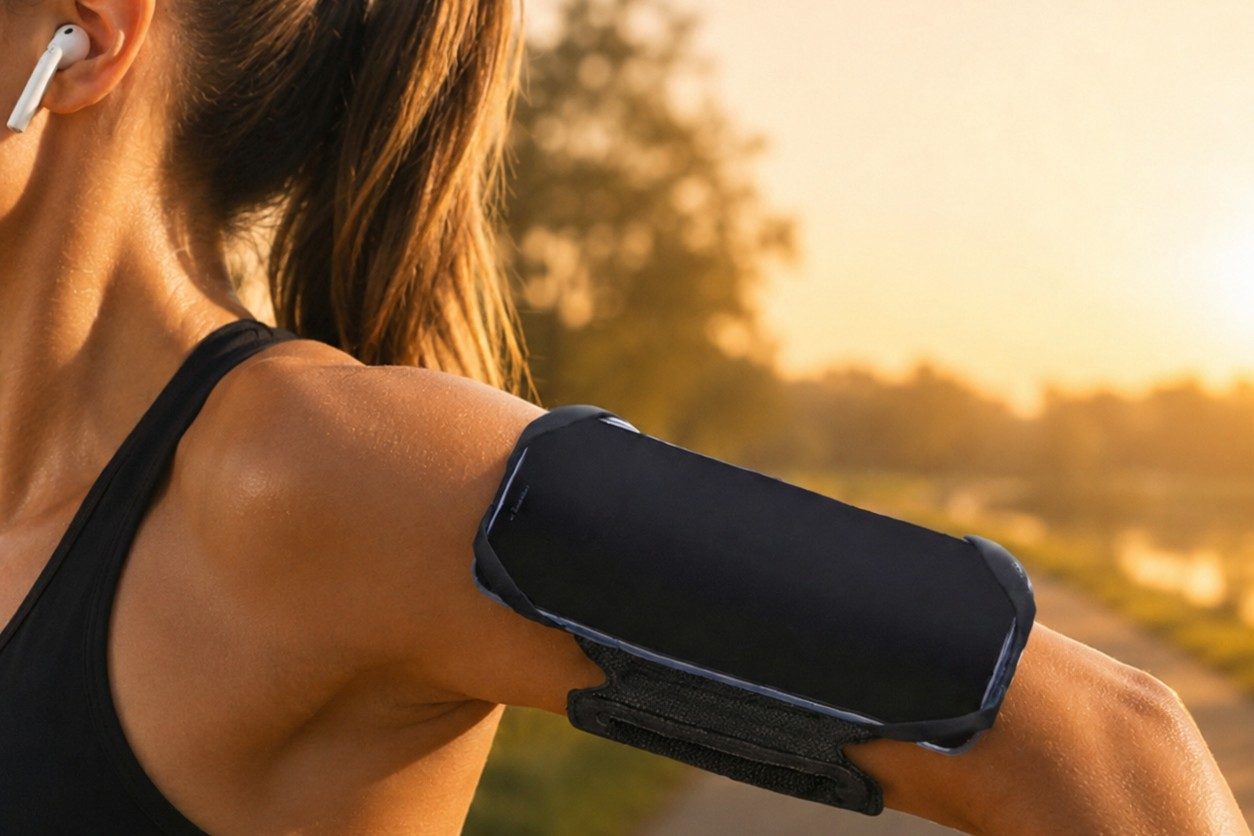
On an interval day, that can look like this:
- Start the session on your app, then seat the phone on your arm.
- Run when the cue says run. Keep your eyes on the path, not on the screen.
- When the walk cue comes, settle into your walk first. On a quiet, open stretch you may choose to glance at the remaining time; for anything more, step aside and stop.
- Touching the screen, pausing the app or changing music happens only after you have stopped in a safe spot.
The open screen does not mean you should use your phone on the move. It just means there is no pouch to open once you have stopped. If you are curious how open holders compare with clear windows, see running armband screen access.
How do you set it up before session one?
A two-minute check at home saves fiddling on the path. LULURUN states a 5.0–6.9-inch phone range with slim or clear cases; thick, rugged and MagSafe wallet cases are not compatible. The stated upper-arm fit is 10–16 inches (25–41 cm), measured above the elbow.
- Seat the phone so each corner is held, adjust the band so it feels snug without pinching, check that the detachable mount is locked, then walk a few easy steps.
- Turn up your app's cue volume or connect your earbuds before you leave the door.
- Set up any playlist or podcast at home too, so nothing needs tapping during the warm-up walk.
- If the band slips, stop and reposition it. Tightening it until it feels uncomfortable is not the fix.
What if you want the phone in your hand?
Sometimes you will. Maybe you want to skip a song, take a photo of the sunrise, or read a message at the end of a walk break. LULURUN's detachable mount uses a 90° twist lock, so the phone can come off while the band stays on your arm. Do that only when you have stopped, and check the mount is locked again before your next interval.
One more practical note: LULURUN is sweat resistant, not waterproof, and the open holder does not shield the phone from water. On a rainy day, plan your phone carrying with that in mind.
New to intervals in general? Our run/walk method guide explains why walking breaks are part of the plan, not a sign you are doing it wrong. And when the bigger jumps arrive, this post on the week 5 jump is a friendly companion. You can see the armband itself on the product page.
FAQ
Do I need an armband to follow a Couch to 5K app? Not at all. A pocket, a belt or an armband can all work. What matters is that you can hear your cues and reach the phone in a way you are happy repeating every session.
Can I check my interval timer without opening anything? LULURUN's open holder leaves the screen exposed, so there is no pouch to open. Still, stop somewhere safe before you touch it.
Will my app keep giving cues with the screen locked? That depends on the app and your phone's settings. Check your own app's settings at home, since options differ between apps.
Run happy, run free.